Plan a clinic website patients can use on a phone. Check service pages, appointment links, location details and what to test before launch.
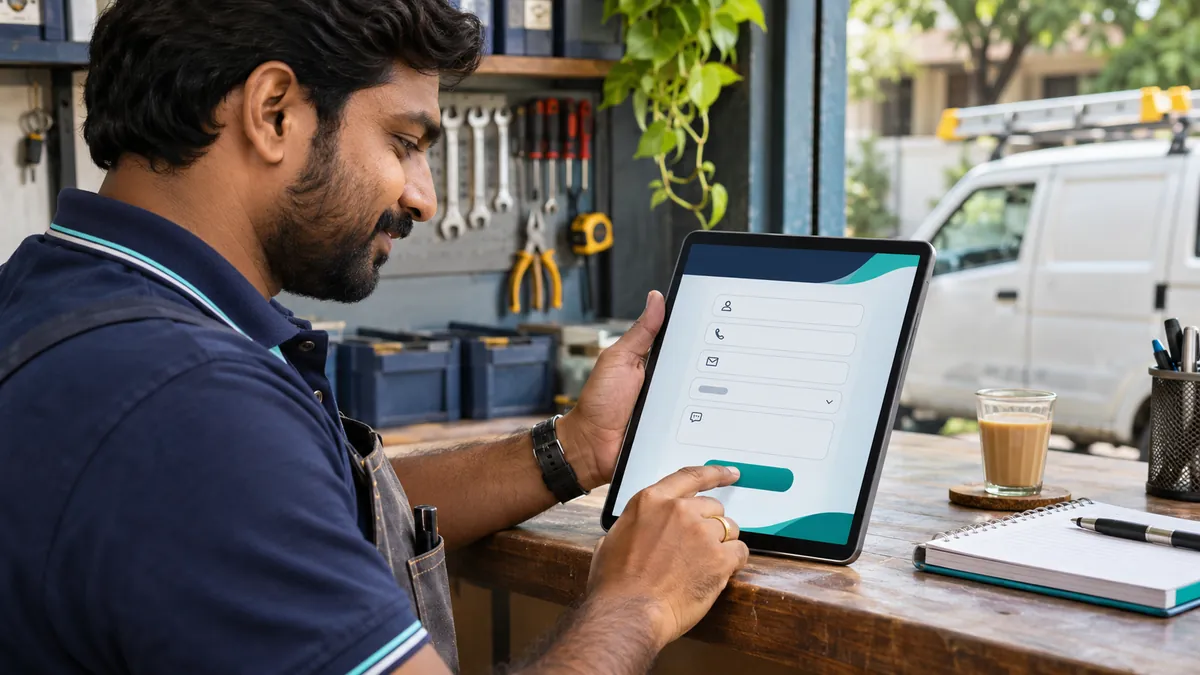
A useful clinic website answers three questions quickly: what the clinic treats, where the patient should go and how to request an appointment. Start with the phone screen your patients are likely to use. Make those answers easy to find on every page that describes a service.
What should a clinic website include?
| Page or feature | What to include | How to verify it |
|---|---|---|
| Clinic homepage | Specialties, address, hours and a prominent appointment action. | On a phone, find the address and call the clinic from the first screen. |
| Service pages | Plain-language descriptions, visiting instructions and a clinician-approved FAQ. | Check the copy with the clinic and make sure each service page links to booking. |
| Clinician profiles | Names, verified credentials and the practice locations where each clinician is available. | Have the clinic approve every profile and verify the published availability. |
| Appointments and directions | Phone, map link, a short request form and a clear explanation of when the clinic will respond. | Use dummy details to submit a request and confirm it reaches the team that handles bookings. |
How should an appointment request work?
Let reception agree which details it needs to call a patient back. For a general enquiry, a name, callback number and preferred time may be enough. Keep that form short, explain when someone will respond, and show a confirmation after submission. Give patients a phone number to use when they need to speak with reception. Keep health information out of analytics events and coordinate any clinical intake with the clinic’s existing process.
What does a useful mobile test look like?
Ask someone unfamiliar with the site to find the clinic from a service page. Have them tap directions, call reception, and submit a test appointment request. Check a smaller phone and a slower connection. Ask reception whether the request was readable and whether it reached the right person. If a patient taps a call button, record that as a tap. A completed call or booking needs a separate record.
What should you ask for in a website quote?
Confirm which pages and booking tools are included, who supplies photography and reviews the copy, and who will update timings after the launch. Ask for a plan to preserve existing URLs if the clinic already receives enquiries through Google. Put the rehearsal with reception on the delivery checklist so it happens before launch.
See website development in Kota, Tejas’s project portfolio and the website quote comparison guide.