A practical Google Maps checklist for Indian small businesses. Set the right location, fix your profile, ask for reviews and track real enquiries.
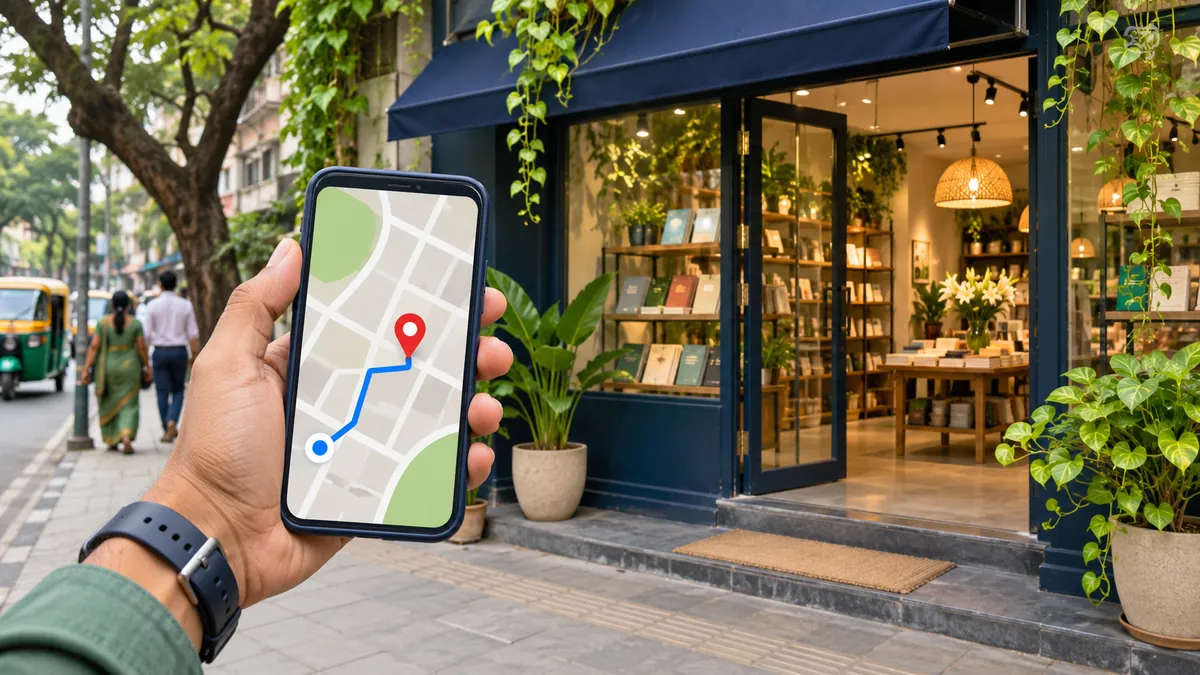
When someone searches for an AC repair technician or a tailor nearby, your Google Business Profile can help them decide whether to call, visit or check your website. Start by making three things easy to confirm: what you do, where you serve customers and how they can reach you. The best test is to open your listing as a customer and try to complete one of those actions on your phone.
Set up your profile for the way you serve customers
Search for your business name and locality in Maps before creating anything. If a listing already exists, claim it or request access from the current owner. Follow the verification steps Google offers for your business and keep the owner account under your control. Use the business name customers see on your signage and invoices. Your category, services and description give you room to explain your work.
| Business setup | What to show | Example |
|---|---|---|
| Customers visit you | Use the actual location, place the pin at the entrance and list customer-facing hours. | A tailor with a signed shop in Kota tells customers which floor to visit. |
| You travel to customers | Hide the operating address and list the areas you serve. | An AC technician who works from home lists the areas they can reach for a call-out. |
| Customers visit and you also travel or deliver | Show the eligible storefront and the areas you serve directly. | A restaurant with permanent signage serves dine-in customers and delivers locally. |
| You operate entirely online | Use your website and contact channels for discovery. | A remote consultancy that never meets customers in person is ineligible for a Business Profile. |
A service area describes where you work. Someone searching from another city may see different results because distance, relevance and prominence affect local ranking. List places you can genuinely serve and where you can give a sensible arrival estimate. Google’s service-area guide and local ranking guidance explain how these settings work.
Answer the questions that hold up a call or visit
Pick the category that best describes your primary work. Add the services customers actually ask about, using plain names like “AC installation” or “uniform alterations.” Keep the phone number, website and regular hours up to date. Enter special hours when holidays change your schedule. For a storefront, check that directions lead to the door a customer uses. Add a recent entrance photo if the building has multiple doors or shops.
Link to a page that answers the next question. If you run a bakery, the linked page might explain custom cake lead times and how to request a quote. A mobile repair service could give the neighbourhoods it covers, examples of common repairs and a phone number. Test the page from your profile on a phone and check that the enquiry action works without zooming.
Ask for feedback after the customer has used the service
Send your Google review link after the customer has collected an order or confirmed the job is complete. A simple request works well: “Thanks for choosing us. If you have a moment, we’d appreciate an honest review about your experience.” Offer customers the same opportunity to comment regardless of how you expect them to rate the business. Google permits requests for genuine reviews and prohibits incentives for them.
When you reply, use a detail the reviewer has already shared publicly, such as a punctual pickup or a helpful fitting. For a problem that needs an invoice number or home address, offer a private follow-up channel. Ask before sharing identifiable customer photos or project details in your profile. Google’s review guidance covers the review link and how to reply.
Check whether people are reaching you
Write down the last month’s available profile metrics before you make edits. Google’s Performance report can show actions such as calls, directions and website clicks, depending on your profile. Compare the same period lengths and add notes about holidays, seasonal demand or missed calls. Use a separate enquiry log to distinguish an actual job from a phone tap, and ask how the customer heard about you when the source is unclear. Google Business Profile Performance explains which actions the report measures.
Suppose a Kota tailor sees more requests for directions but gets several calls asking where the shop is. That is a reason to test the pin and improve the entrance photo before changing the category. If an AC technician receives calls for places outside the service area, clarify coverage and visit terms on the linked page. Let real customer questions guide the next edit.
Start today with the smallest fix a customer would notice: correct a pin, test a phone number or update your hours. If you need help connecting your listing to a useful service page, explore our digital marketing services. If customers also find you on social media, see how to turn Instagram visits into enquiries.